SnapApp fills out job applications from information you enter one time. It runs on your own Windows PC, keeps your data there, and sends nothing until you say so.
Windows 10 and 11 · 7-day free trial
Name, address, work history, “are you authorized to work in the U.S.?” You've typed them a hundred times. Do it once more.
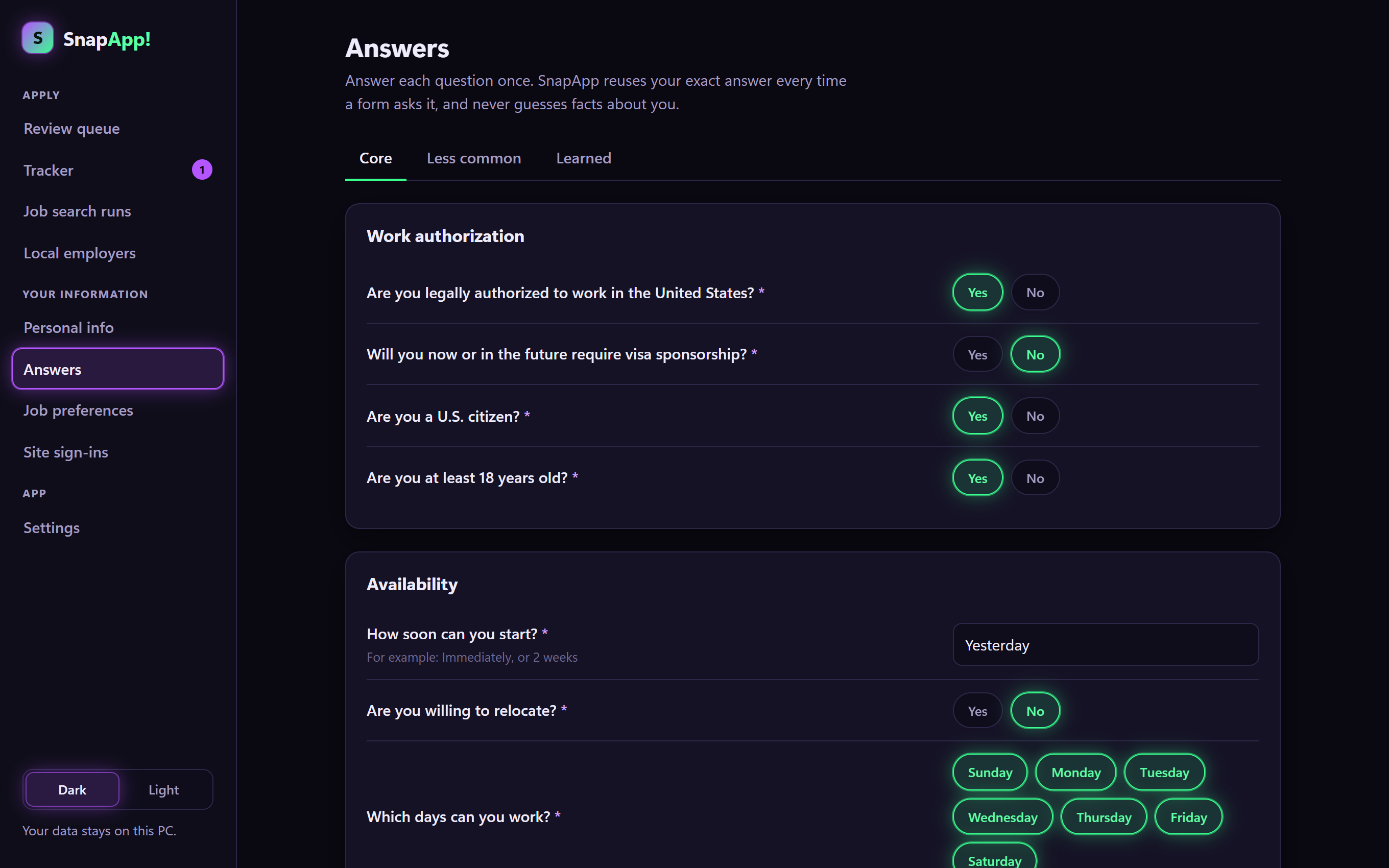
Add your resume, your details, and your answers to the questions every application asks. A short wizard walks you through it.
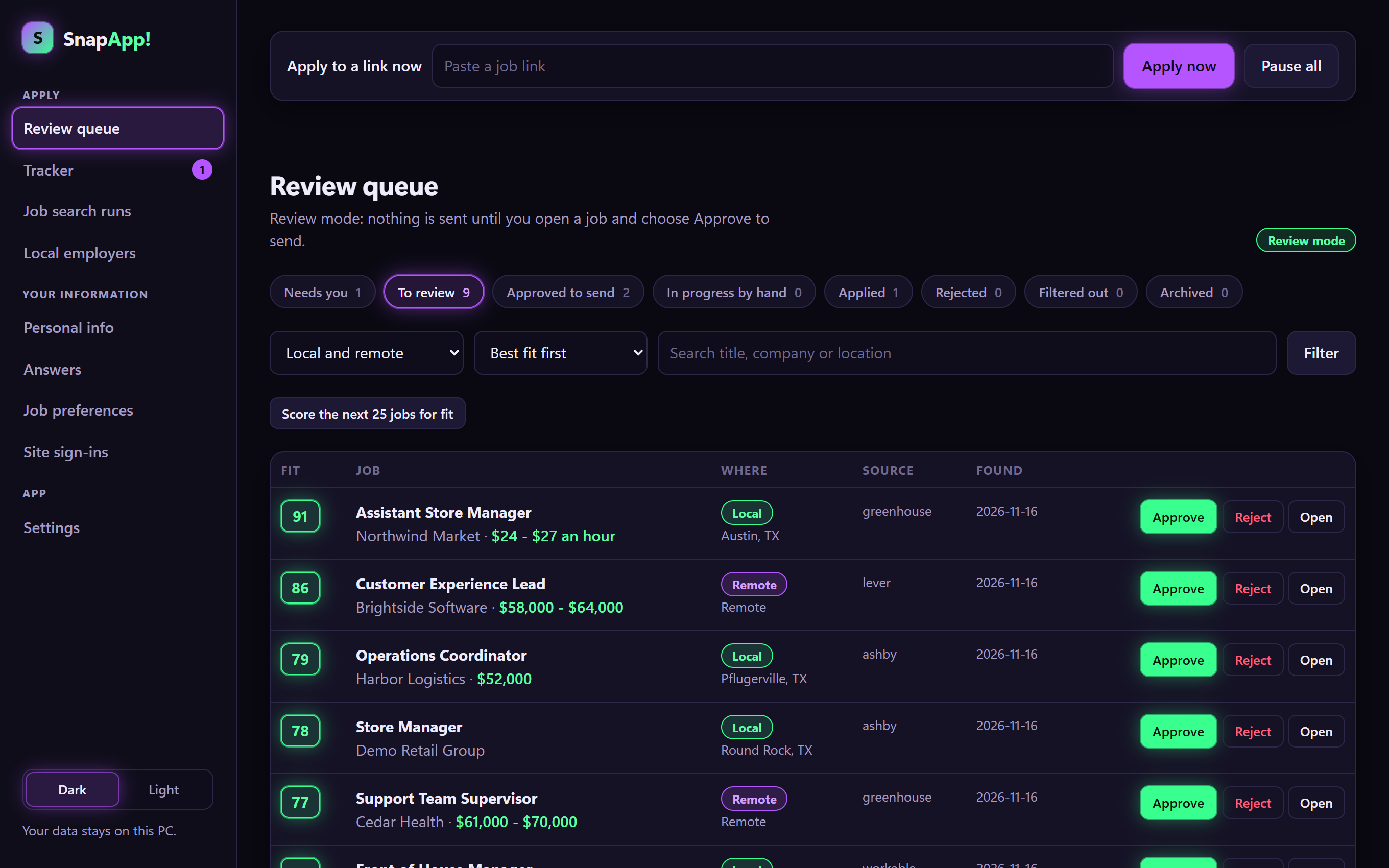
SnapApp searches for jobs that match what you want, scores each one for fit, tailors your resume, and drafts the open-ended answers.
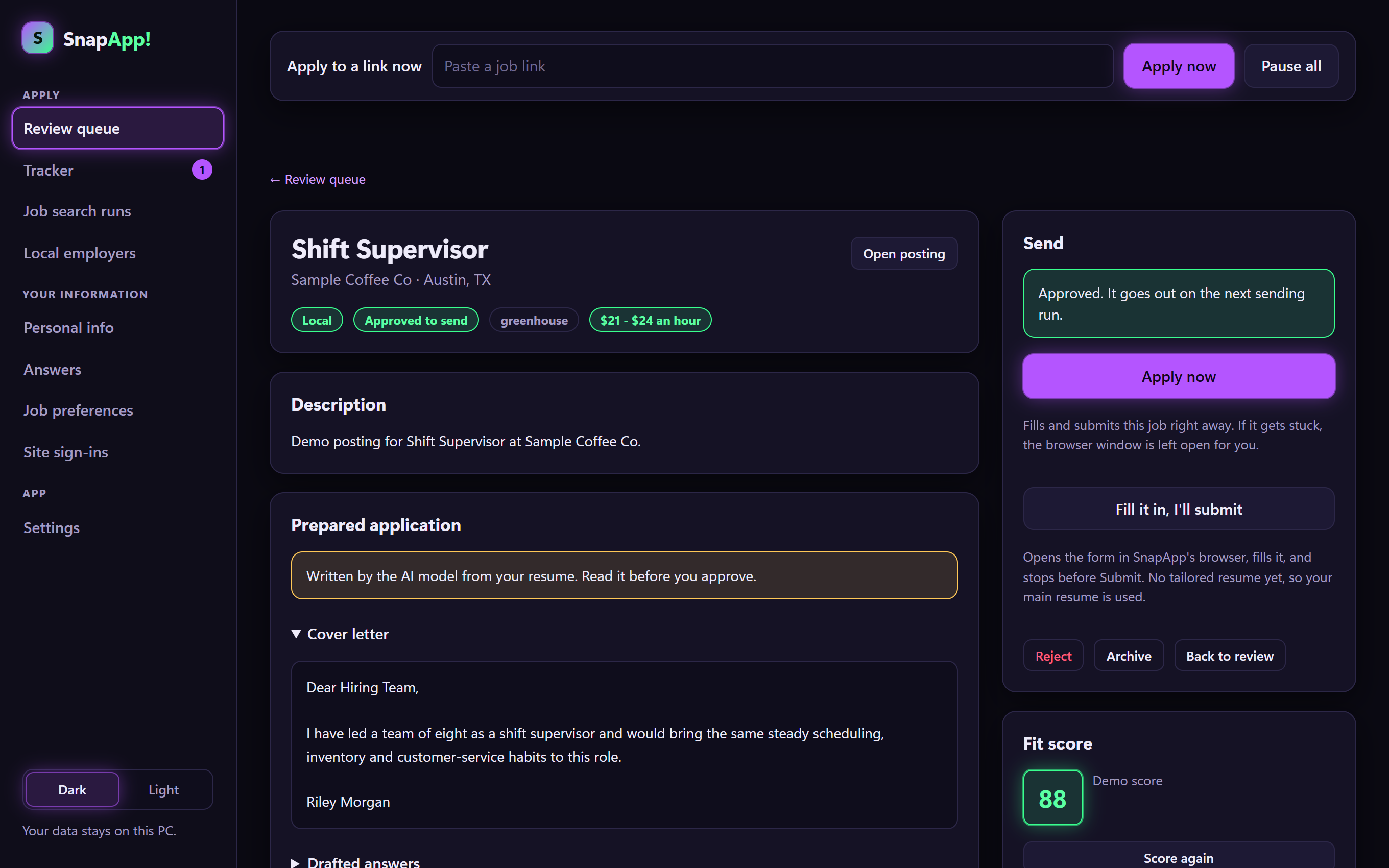
Read what it prepared, press Approve, and it fills in the application. Nothing goes out without your say-so.
Most apply-for-you tools ask you to upload your life to their servers. SnapApp is a program you install. We never see your data.
Your personal details and answers are encrypted and tied to your Windows sign-in. Copying the file to another PC doesn't unlock it.
You sign in to job sites yourself, in SnapApp's own browser window. Passwords SnapApp creates for you go into Windows Credential Manager.
With a capable graphics card, the AI model runs entirely on your PC. Or connect your own API key from a cloud AI service; SnapApp tells you exactly what gets sent.
The application systems behind thousands of company career pages. No account needed: once you approve, SnapApp fills the form and submits it.
Every employer on Workday makes you create a separate account. SnapApp prepares each one with a unique password and keeps track of them all. You confirm the account and press Submit.
Off until you turn them on. SnapApp opens the application and fills it in; you press Submit. Daily limits keep it at a human pace.
Paste a link to any application. SnapApp fills every field it recognises from your saved information and leaves the rest to you.
We'd rather you know before you buy.
When a site asks “are you human?”, SnapApp stops and hands the window to you. You are, so you answer.
No disguises, no tricks. LinkedIn and Indeed don't allow automated tools and can restrict accounts that use them, which is why they are off by default and you press Submit there.
If it doesn't know a fact, it asks. It will leave an application waiting for you rather than guess.
It gives you your evenings back. The interviews are still yours to win.
Try everything free for 7 days. Cancel any time.
Starter, Pro and Advanced include every feature; they differ in how many applications you can send each month. If you use a cloud AI service instead of a local model, you pay that service directly for usage, typically a few cents per application.
A Windows 10 or 11 PC with Google Chrome or Microsoft Edge. To run the AI model on your own PC you'll want a graphics card with about 6 GB of video memory or more; the setup wizard checks and tells you. Without one, you can connect your own API key from Anthropic, OpenAI, Google or OpenRouter.
No. Those chat subscriptions don't let other apps connect. You need an API key from the provider, which is a separate pay-as-you-go account. The setup wizard explains where it goes.
In a folder on your PC, encrypted and tied to your Windows account. SnapApp has no server that receives your resume, answers or passwords. The only thing that leaves your PC is what you send to job sites, and, if you choose a cloud AI service, the resume and job text sent to that service to write each application.
Not unless you turn that on. SnapApp starts in review mode, where you approve each application. Autopilot is a separate switch with limits, and on Workday, LinkedIn and Indeed you always press Submit yourself.
It's possible. Those sites prohibit automated tools. SnapApp keeps the risk down by filling forms only when you ask, leaving Submit to you, and limiting how many it does per day, but it can't remove the risk. That's why both are off until you read the warning and switch them on.
It doesn't guess. The question is saved under Learned, and the application waits for you. Once you answer, that answer is reused whenever the same question comes up.
Not yet. SnapApp is Windows only for now.
You keep everything you entered; it's on your PC. Uninstalling asks whether you want your data deleted or kept.
Set it up tonight. Spend tomorrow on the jobs worth your attention.
Start your 7-day free trial